
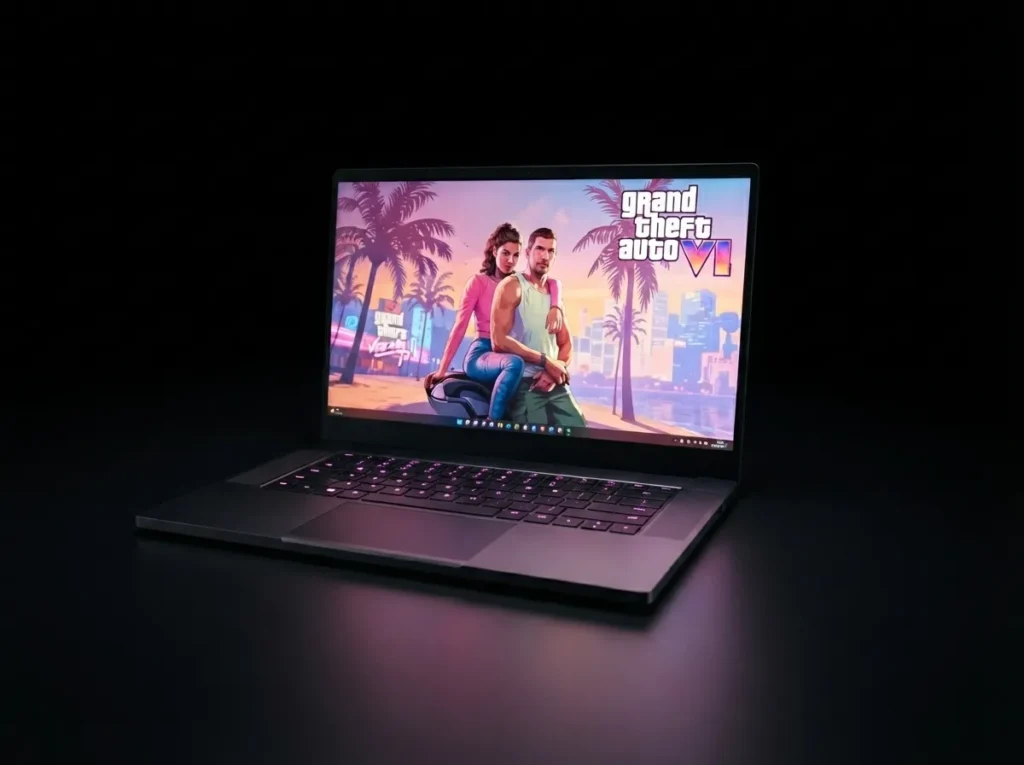
Important note before you buy: Rockstar has not announced a PC version of GTA 6, the game is launching November 19, 2026 on PS5 and Xbox Series X|S only. Everything in this guide is based on estimated hardware needs derived from the confirmed console specs and general open-world performance trends, not official gta 6 PC requirements. Treat every number below as a planning estimate, not a guarantee.

If you’re shopping for a laptop with Grand Theft Auto VI in mind, the biggest mistake is matching a GPU name to a desktop requirement list. A laptop RTX 4070 and a desktop RTX 4070 are not the same chip in practice — and that gap is exactly what this guide is built around.
This guide is aimed at players who want a laptop that will hold up for GTA VI whenever a PC version does arrive, as well as anyone shopping now for other demanding open-world titles in the meantime. We’ll walk through what actually separates a laptop that performs well from one that only looks good on a spec sheet, then break down four real picks across different budgets.
Why Laptop GPUs Fall Short of Their Desktop Namesakes
Every laptop GPU is limited by something called TGP, Total Graphics Power, measured in watts. A desktop graphics card draws as much power as it needs. A laptop chip is capped by however much wattage the chassis can supply and cool, which is almost always far less.
In practice, this means a laptop GPU can run 30–45% slower than a desktop card carrying the identical model number, purely because it’s not allowed to draw full power. Two laptops both labeled “RTX 5070” can perform noticeably differently depending on whether the manufacturer configured it at 140W or 100W.
The practical takeaway: when comparing your laptop’s GPU to any PC requirement list, mentally shift it down one tier. If a desktop guide recommends an RTX 4060, look for a laptop with at least an RTX 4070 or newer equivalent to land in a similar performance range.
What to Actually Check Before Buying
- GPU wattage (TGP), not just the model name — the same GPU name can be configured anywhere from 60W to 175W depending on the laptop, so always check the manufacturer’s detailed spec sheet rather than the marketing page
- VRAM of 12GB or more — open-world games with dense texture streaming lean heavily on video memory, and running short mid-session causes stutter that no amount of raw GPU power can fix
- RAM: 16GB minimum, 32GB recommended — open-world titles increasingly stutter on 16GB during fast travel or high-speed driving, especially with background apps running
- Cooling design — vapor chamber or multi-fan systems sustain performance far longer than thin, single-fan builds, which throttle within minutes under sustained open-world load
- Display refresh rate — 120Hz+ is worth prioritizing over raw resolution if you plan to play at high frame rates, since a locked 4K panel can bottleneck perceived smoothness even on powerful hardware
Laptop Comparison at a Glance
| Laptop | GPU Tier | VRAM | Best For |
|---|---|---|---|
| Razer Blade 16 | RTX 5090 (high-wattage) | 24 GB | No-compromise performance |
| Lenovo Legion Pro 5i | RTX 5070 (full-wattage) | 12 GB | Best overall value |
| ASUS ROG Zephyrus G14 | RTX 5070 (efficiency-tuned) | 8–12GB | Portability + OLED display |
| Acer Nitro V 16 | RTX 4060 | 8GB | Entry-level budget build |
Best Overall: Razer Blade 16
The Blade 16 pairs a high-wattage RTX 5090 with genuinely strong cooling for its size, making it one of the few laptops that can approach desktop-tier performance in a portable chassis. Its dual-mode display is a standout feature for anyone who wants both high-resolution single-player exploration and a faster refresh rate for quicker-paced play. The trade-off is straightforward: this is a premium-priced machine, and you’re paying for engineering, not just the GPU.
Best Value: Lenovo Legion Pro 5i
For most buyers, this is the smarter purchase. Lenovo runs its RTX 5070 close to full wattage rather than throttling it down to save on cooling costs, which means you actually get the performance the spec sheet implies. It won’t match the Blade 16 at maximum settings, but it comfortably handles high settings at 1440p in most modern open-world titles, and the price difference is substantial.
Best for Portability: ASUS ROG Zephyrus G14
If you travel or just don’t want a heavy 16-inch brick, the Zephyrus G14 is the strongest compromise available. Its OLED display delivers noticeably better contrast and color than most gaming laptop panels — a real advantage for a game built around neon-lit, nighttime city environments. The GPU runs at lower wattage than the Legion Pro, so expect somewhat lower frame rates in exchange for the portability and screen quality.
Best Budget Pick: Acer Nitro V 16
This is close to the floor of what’s realistically playable. An RTX 4060 with 8GB of VRAM will run most open-world titles at 1080p on medium settings, especially with upscaling technology like DLSS enabled. Don’t expect ray tracing or high frame rates — this is a laptop for getting into the game, not maximizing it.
Cooling and Optimization Tips
Since you can’t upgrade a laptop’s GPU later, getting the most out of what you have matters more than it does on desktop:
- Use dedicated-GPU-only mode. Most gaming laptops let you disable the switch between integrated and dedicated graphics through their control software. Forcing the dedicated GPU to handle everything avoids unnecessary switching overhead.
- Enable adaptive sync (G-Sync or FreeSync). This smooths out frame pacing so moderate frame rates feel steadier, which matters more for perceived smoothness than raw FPS numbers.
- Keep vents clean. Dust buildup is the single most common cause of a laptop losing performance over time — a can of compressed air every few months makes a measurable difference.
- Consider a cooling pad for sustained sessions. Long open-world play sessions generate more heat than typical benchmarks, and an external cooling pad can meaningfully extend how long a laptop sustains its peak performance before throttling.
Frequently Asked Questions
Can a budget laptop run GTA 6?
Likely yes, at 1080p medium settings with DLSS/FSR enabled — an RTX 4060-class laptop should manage it. This is an estimate, since official PC requirements don’t exist yet.
Is 16GB or 32GB of RAM enough?
16GB is the likely minimum. 32GB gives more headroom, especially with background apps running.
Is GTA 6 confirmed for PC?
Not yet. Only PS5 and Xbox Series X|S are confirmed at launch. Rockstar’s past titles got PC ports 1–2 years after console release, so a similar timeline is plausible but unannounced.
Will a laptop ever match a GTA 6-ready desktop?
Not fully, but the gap is smaller than it used to be thanks to higher-wattage mobile GPUs and better memory bandwidth.
Final Verdict
Choosing the right laptop for GTA 6 comes down to matching cooling capability to GPU wattage, not just chasing the highest model number. If budget allows, the Legion Pro 5i offers the best balance of price and sustained performance for most players. Those who want zero compromise should look at the Blade 16, while anyone prioritizing portability will get the most satisfying experience from the Zephyrus G14’s display, even at slightly lower frame rates.
This guide will be updated once Rockstar confirms official PC system requirements for GTA 6.